
Star Trek: Outposts Unknown Crash Fix & Known Bugs Tracker
Sourced crash, freeze, and memory leak reports for Star Trek: Outposts Unknown, plus demo patch fixes and generic PC troubleshooting (not official fixes).
FAQ
Did the June 2026 demo patch fix the memory leak?
Is the full-release build confirmed free of demo memory leaks?
Where should I send crash logs?
Does the game require more than 16 GB RAM officially?
Last verified: 2026-10-21. Sources: Steam news, Steam discussions (demo bug board), and the Steam store listing.
Star Trek: Outposts Unknown shipped on 20 October 2026 (launch announcement). One day later, there is still no official post-release patch note listing crash or memory fixes. This tracker separates dated player reports, documented demo patches, and generic PC troubleshooting (the last is not confirmed by the developer as a fix for this game).
For hardware targets, see /guides/system-requirements/. If you are deciding whether to buy during a rough launch window, /guides/is-it-worth-it/ summarizes Steam review snapshots and press scores.
What official patches have actually fixed?
The only numbered-style bug-fix list on Steam news before launch is the Pacing & Bugfixing Demo Update (12 June 2026). It applies to the demo branch, not a documented full-game build ID.
| Issue (as stated by developers) | Status in 12 Jun 2026 demo update |
|---|---|
| Resource crates placed in unreachable spots | Listed as fixed |
| Missing resource icon when clicking an anomaly | Listed as fixed |
| Notifications broken or not moving camera to events | Listed as fixed |
| Memory leak / runaway RAM / freeze after long sessions | Not listed |
The same post adds pacing and UX changes (faster resupplies, cheaper early buildings, faster metal collection, camera pointed at metal at start, only one of three starting beacons required to finish the explore objective). Those balance changes may or may not match the 20 October 2026 release build—not officially confirmed per item for 1.0.
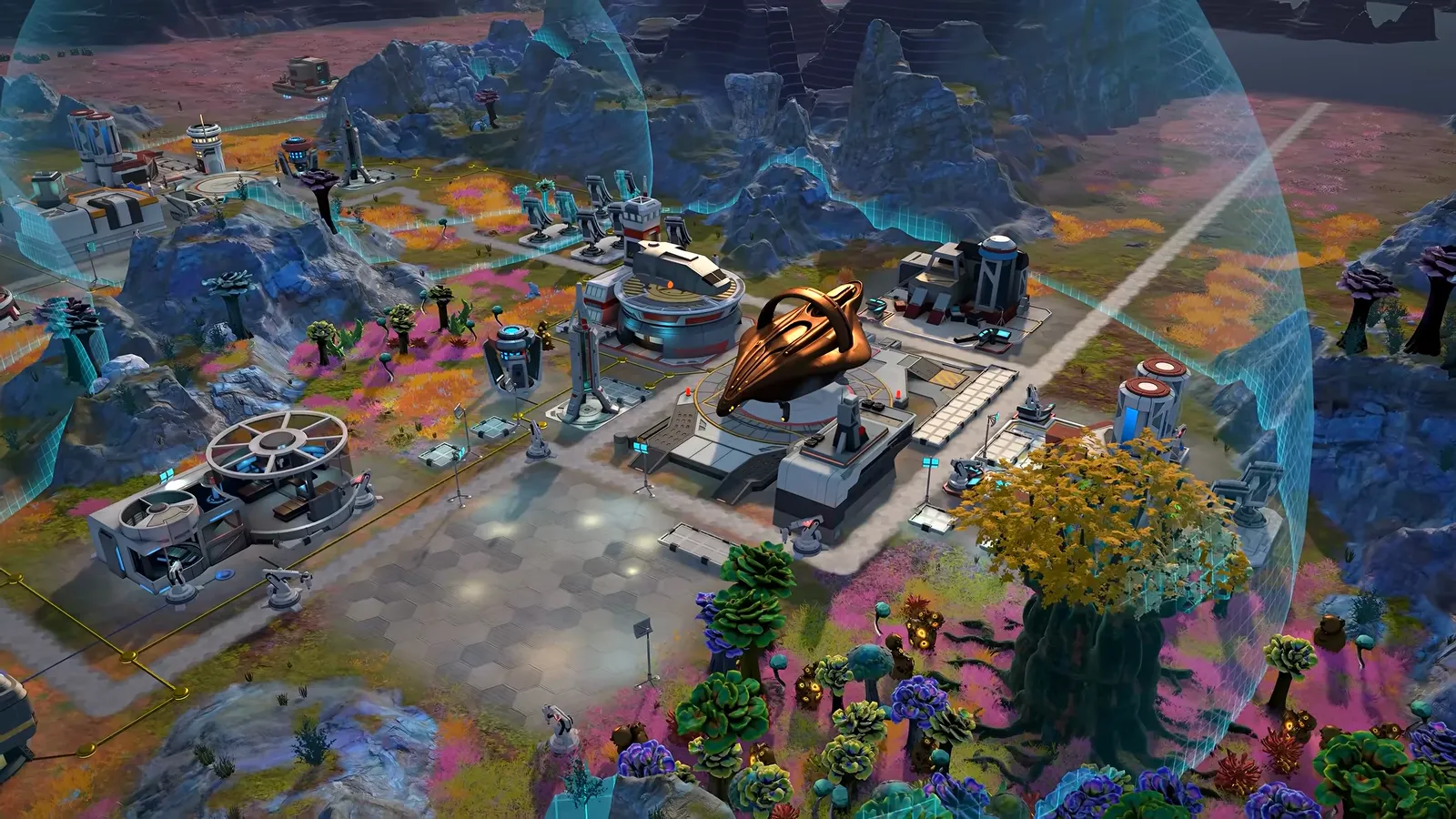
Source: Kourou gameplay reveal (frame ~0:42). A built-up outpost scene, for illustration only; the frame carries no performance data.
What did players report about memory leaks and freezes (demo era)?
These are community reports with timestamps, not Magic Fuel confirmations.
| Report | Date | Symptom (as written) | Source |
|---|---|---|---|
| Thread “Fairly bad memory leak” | Posted 8 Jun 2026 | ~3 h play; game RAM ~24 GB from ~3 GB baseline; stuttering on mini PC | Steam discussion |
| Reply (Kyrros) | 9 Jun 2026 | 10–15 min to max 16 GB or 24 GB systems; freeze or CTD; empty Unity crash folders | Same thread |
| Staff (liv) | 10 Jun 2026 | Reports logged and sent to Magic Fuel | Same thread |
Full-game status (20 Oct 2026 build): Unverified / no official confirmation as of 2026-10-21. No launch-day patch note addresses RAM. New post-launch threads may appear—check Steam and update lastModified when citing them.
Image: official Steam store screenshot. A close-up of surface-level detail, for illustration only.
What about hard crashes that lock the PC (demo era)?
In So many things need to be worked on! (posted 21 Jun 2026, demo period), a player reported a crash severe enough to require a full PC restart before other games worked. A developer reply (22 Jun 2026) asked for steps to reproduce, on-screen errors, device specs, and Player.log, and pointed to Discord.
Documented log location in that reply (demo):
- Windows:
C:\Users\NAME\AppData\LocalLow\magicfuelgames\MFG8RLRDEMO\Player.Log - Mac (demo):
~/Library/Logs/magicfuelgames/MFG8RLRDEMO/Player.log
Whether the full game uses the same folder name is not stated in official news as of 2026-10-21—search AppData\LocalLow\magicfuelgames\ after a crash or ask on Discord with your build date.
Has launch week brought new official bug fixes?
Not on Steam news as of 2026-10-21. After “Star Trek: Outposts Unknown Is Out Now!” (21 Oct 2026), the feed shows no follow-up patch note. Captain’s Devlog #4 (16 Oct 2026) said the team was polishing and fixing bugs before launch—it does not enumerate launch-week fixes.
Early Steam user reviews (Mixed, small sample—see /guides/is-it-worth-it/) mention both smooth runs and harsh negative experiences; those are not verified bug write-ups. Prefer reproducible steps plus logs for this tracker.
Source: Kourou gameplay reveal (frame ~4:12). Volcanic terrain from the reveal footage, for illustration only.
Generic PC troubleshooting (not official fixes)
Label: general Steam/Windows maintenance, not confirmed by Magic Fuel or Playstack for Outposts Unknown. Use after you have verified files and checked system requirements (16 GB RAM and GTX 1660-class GPU are the stated floor).
- Verify integrity — Steam → Properties → Installed Files → Verify (standard corrupted-download fix).
- Update GPU drivers — Generic best practice; no official link to a specific driver version for this title.
- Close overlays — Third-party overlay apps sometimes conflict with Unity titles; community advice only.
- Launch options — Some community guides suggest
-windowedor-dx11for Unity black-screen cases; no official recommendation found in Steam news as of 2026-10-21. If you try them, note what changed for your bug report. - Clear local low-level cache — Generic Unity troubleshooting; back up saves first. Steam Cloud is listed for the game, but do not assume every setting file syncs.
If symptoms match demo-era RAM growth, quit to desktop between sessions until a patch is documented—player workaround, not official guidance.
How should you report a new bug?
- Reproduce twice if possible; note planet, in-game day, and last action.
- Grab Player.log (path may differ from demo—see above).
- Post on Discord (linked from the launch announcement) with specs matching /guides/system-requirements/.
- For comparison with known demo fixes, read /guides/demo-vs-full-game/ so you know which build you are on.
When Magic Fuel publishes a dated patch note, this page should gain a build or date column—until then, “fixed in 1.0” claims stay unconfirmed.
Related Articles
guides
Star Trek: Outposts Unknown System Requirements, Mac & Deck
Official Star Trek: Outposts Unknown PC specs from Steam, Mac and Steam Deck status, plus single-player and platform FAQ with sourced answers.
guides
Star Trek: Outposts Unknown Beginner Guide & Tips
Beginner guide for Star Trek: Outposts Unknown: mission setup, Daegus basics, logistics upkeep, crew shifts, and official tips from devlogs and demo patches.
guides
Crew Shifts and Morale — Shuttles & Nights
How Star Trek: Outposts Unknown crew shifts, shuttle trips, and morale work—official Devlog and patch notes plus labeled player feedback from the demo.
Was this helpful?
Thanks for the feedback!